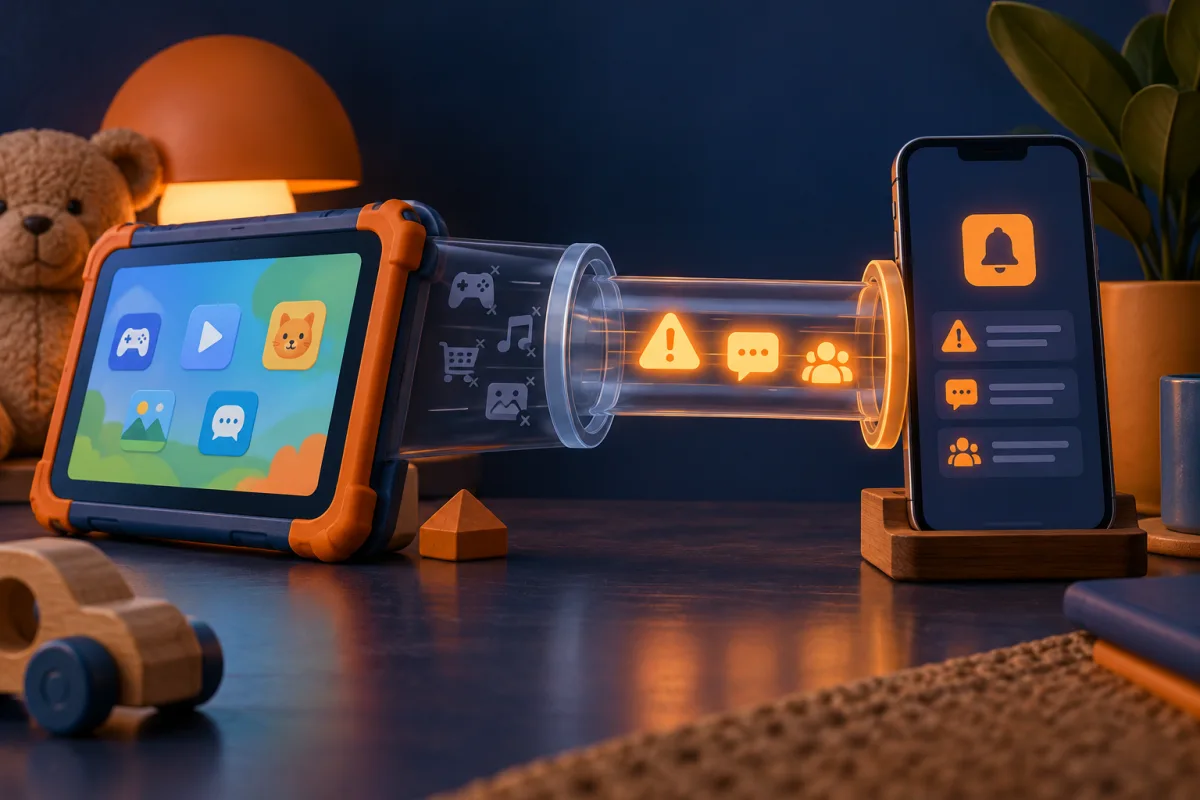
Norton Family is worth comparing for supported Windows, Android, and iOS supervision. A parent can manage settings from other devices, but that does not mean every device can be supervised as a child device.
Separate the parent dashboard from the child device
Norton’s documentation describes supervising children on supported Windows, Android, and iOS devices. It separately explains how parents can manage the service. This distinction matters if a household includes Macs or school-managed equipment.
The current product page says child-side Norton Family features are not supported on macOS. A parent using a Mac to visit the dashboard does not change that limitation. Check the device receiving the restrictions, not only the device used to configure them.
Also confirm the operating-system version and installation permissions. A school-managed laptop may prevent the setup required by a consumer product. Do not attempt to bypass the school’s administration; ask which controls are already available.
Check the browser dependency of each feature
Some Norton Family supervision features depend on a supported extension or the Norton browser described in its documentation. A result observed in one browser should not be assumed to apply to every other browser or app.
For example, Norton documents limits around video supervision and distinguishes supported website viewing from activity in separate video apps. If that is the feature you need, read its scope carefully before buying.
| What to list | Why it matters |
|---|---|
| Child operating system | Determines whether child-side supervision is supported |
| Browser and extension | Can determine which web activity is supervised |
| Separate apps | May fall outside a website-specific feature |
| Location and region | Some capabilities have regional requirements |
Configure a routine that leaves room for exceptions
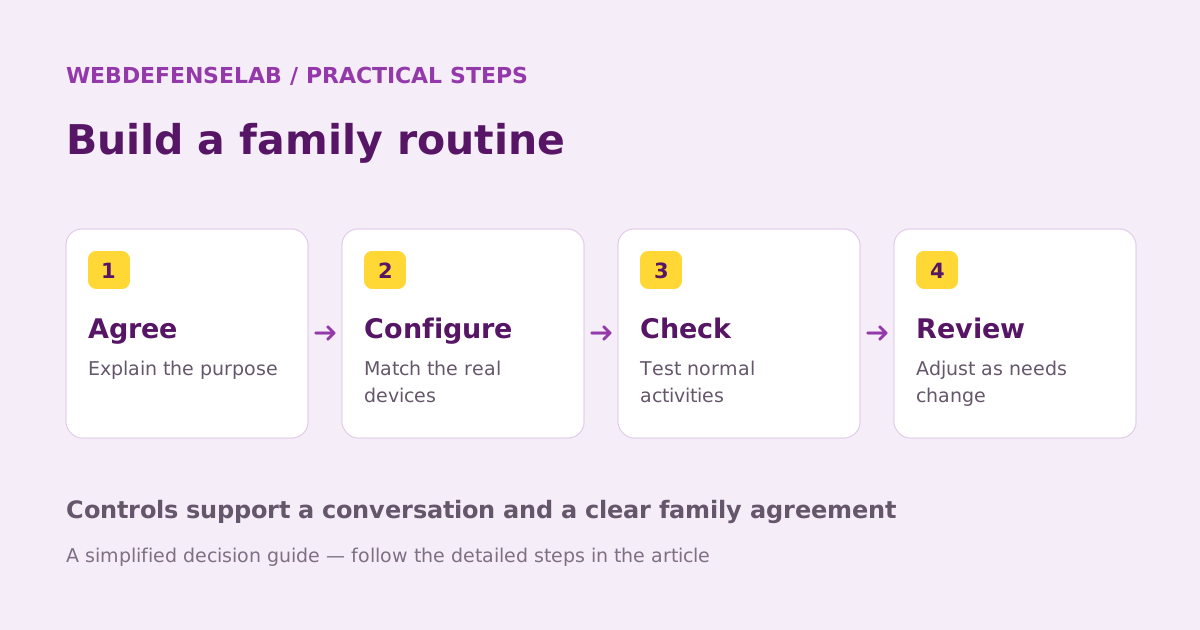
Begin with an agreed schedule and a few relevant categories. Test ordinary schoolwork and approved entertainment before tightening settings. A rule that regularly blocks homework will be difficult to maintain, even if the software applies it consistently.
Explain how a child can request more time or report a mistaken block. Keep the parent account secure and avoid sharing its password as a shortcut for exceptions. If two adults manage the household, decide who handles changes and how they communicate them.
Check the behavior after a restart and on the networks normally used. Record which apps or activities remain available. This turns a vague promise of protection into a set of boundaries everyone can understand.
When the product is a better or weaker fit
A household whose relevant child devices and browsers match the documented requirements can reasonably put Norton Family on its shortlist. A household that mainly needs to supervise a child’s Mac should choose a product or built-in arrangement designed for that requirement.
Before starting another subscription, inspect any Norton entitlement you already have and confirm whether Family is included for your account and region. Similar product branding does not prove identical plan benefits. Compare the actual renewal terms.
Use our parental-control comparison to consider alternatives, and revisit the setup as devices or school requirements change. We have not measured filtering performance or safety outcomes. The review’s purpose is to help you avoid buying a tool whose documented scope does not match your family.
Check current features, eligibility, and renewal terms.
Sources & review notes
Source review: September 25, 2026. This is a documentation-based assessment; we have not measured alert speed, product performance, or support outcomes. Product terms can change.
About the author
 Oliver ReedDevice & family security
Oliver’s coverage explores device protection, malware prevention, recovery, and family device controls. These guides put operating-system tools first, explain when extra protection may help, and distinguish prevention from a response to an active incident.
View profile and articles