What is a password manager?
A password manager stores login details in a vault and helps you generate and use different passwords for different accounts. Many also handle passkeys, notes, payment details, or shared items. The practical goal is to stop relying on a small set of memorable passwords that you repeat across websites.
Imagine an old shopping site exposes a reused password. If the same password opens your email, the incident can become much larger. Giving each account its own password helps separate those risks. Moving an unchanged password into a vault is only the storage step: you still need to change reused credentials at the websites themselves.
Browser storage or a dedicated password manager?
A built-in manager can be a practical starting point if it supports your devices and you actually use it. A dedicated product is worth comparing when you need a different mix of browsers, household sharing, an independent account, or a recovery feature. Buying a separate subscription is not automatically an improvement over a well-maintained built-in setup.
| Your routine | What to prioritize |
|---|---|
| One person, several operating systems | Reliable access on every required device and browser |
| Household logins | Private accounts plus intentional shared items |
| Mostly Apple devices | Compare Apple Passwords with any non-Apple access you need |
| Frequent registrations | Password generation, form filling, and email aliases if useful |
| Helping a relative | A recovery process both people understand |
Do a small trial before migrating everything. Save a low-risk login, use it on a second device, edit its address, and find it again after locking the vault. Those everyday actions reveal more about suitability than a checklist of features you may never use.
Which password managers should you compare?
The Best Password Managers comparison covers ten options: 1Password, RoboForm, NordPass, Keeper, Aura Password Manager, Proton Pass, Dashlane, Bitdefender SecurePass, Bitwarden, and Apple Passwords. The summaries below link to a complete review of each product and its official site.
Begin with a category of need. Compare Bitwarden and Proton Pass if ongoing free access across devices matters. Consider a paid dedicated vault if its sharing or recovery workflow fills a real gap. Evaluate Aura or SecurePass against any bundle you already own. For Apple Passwords, check the non-Apple devices in your routine before choosing an ecosystem-based setup.
These are selection suggestions based on published features, not universal rankings or laboratory scores. A product’s encryption terminology alone does not tell you whether you will configure recovery correctly, recognize a fake sign-in page, or keep the phone running the vault updated.
Protect the key to the vault
Use a strong, unique account or master password when the product requires one, and secure the associated email. Review its available second-factor and passkey options. A fingerprint can make unlocking easier on a particular device, but you need to know what happens when that device is lost or replaced.
Read the recovery instructions before storing your most important accounts. The NCSC’s password-management advice is a useful starting point for choosing and protecting a manager. The exact recovery route is product-specific: some use recovery codes, trusted contacts, account recovery, or additional secret material.
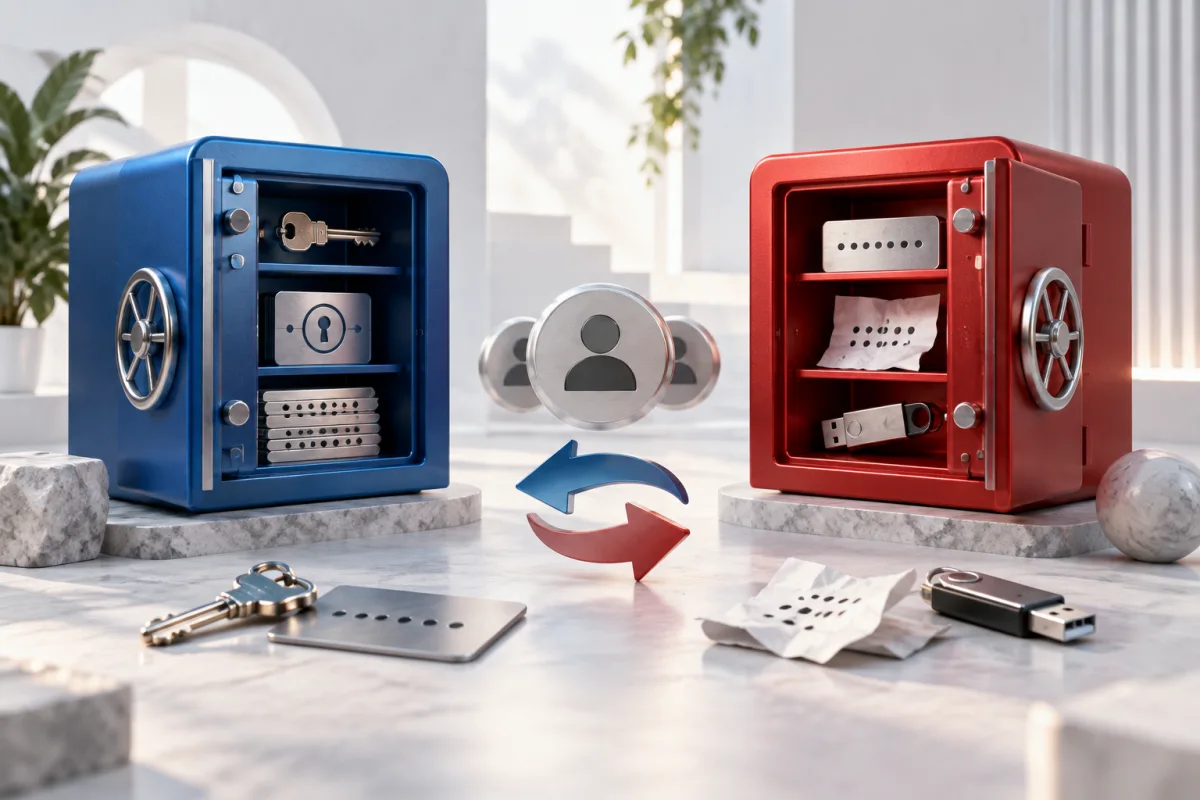
Keep necessary recovery information somewhere you can access without first opening the lost vault. For example, saving the only recovery code inside the vault it unlocks creates a circular dependency. At the same time, avoid leaving an unprotected copy in a shared folder or an ordinary email draft.
Move your passwords in a controlled order
- Make sure the new vault is protected and you understand its recovery process.
- Import a small set first and check usernames, website addresses, notes, and unusual fields.
- Verify attachments, shared items, and passkeys separately; do not assume a password export includes everything.
- Change reused or exposed passwords on the actual services, starting with email and other important accounts.
- Choose which manager offers autofill so competing prompts do not create duplicate entries.
- After verifying the result and your backup plan, remove temporary unencrypted exports from downloads and shared locations.
A CSV export is a transfer file, not a safe long-term vault. Plan where it will be stored and who can access that device before exporting. Deleting a file does not necessarily erase copies already synchronized elsewhere, so avoid creating those copies in the first place.
For shared accounts, invite people through the manager’s supported sharing process instead of circulating the master password. Agree on who owns an item and what happens when access is no longer needed. If someone has already copied a shared password, revoking vault access alone cannot make that remembered password disappear; change the credential at the service when necessary.
Where passkeys fit
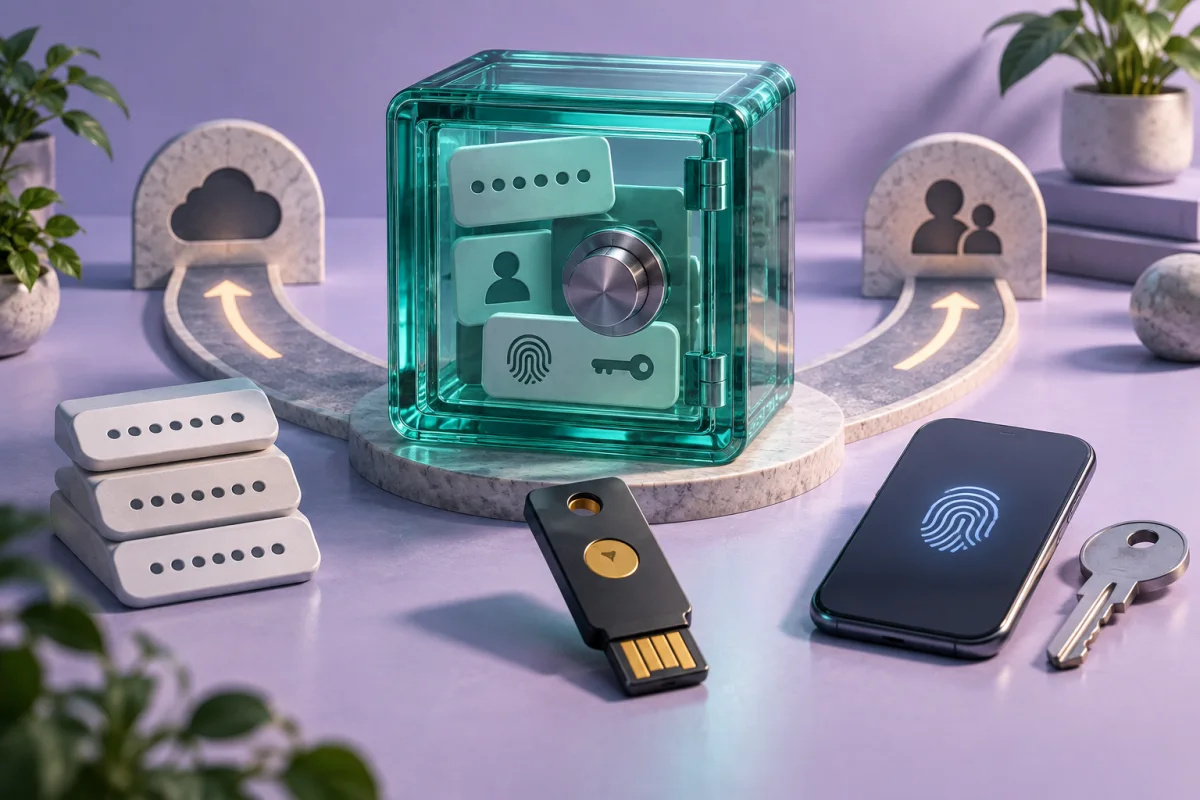
A passkey is a different sign-in method from a password. A service and your chosen device or manager must support the workflow. Storing a passkey, signing in with it, and transferring it to another manager are separate capabilities to check.
Keep account recovery in mind even when a sign-in feels effortless. List the devices and other methods that can get you back into the service. You may continue using passwords for websites that do not support your preferred passkey setup; a manager should make that mixed routine understandable.
Common questions
Are free password managers useful?
Yes, when the free plan covers the devices and functions you need. Check whether free means ongoing access, a limited trial, or a restricted device allowance. Recovery and sharing may be paid extras.
What if the password manager itself is breached?
The consequences depend on the incident and the product’s design. Follow verified provider guidance, protect the vault account and devices, and maintain a recovery plan. No product is immune to every risk.
Does importing passwords make them stronger?
No. Importing copies the existing credentials. To replace a weak or reused password, change it at the actual website and save the new value.
Can a family share one master password?
That is a poor substitute for separate accounts. Use supported shared items or vaults so private logins stay private and access can be managed intentionally.
Sources and guide notes
Reviewed September 25, 2026. Explanations draw on the documentation below; examples and selection checklists are WebDefenseLab guidance. Product summaries are documentation-based assessments, without hands-on scores.