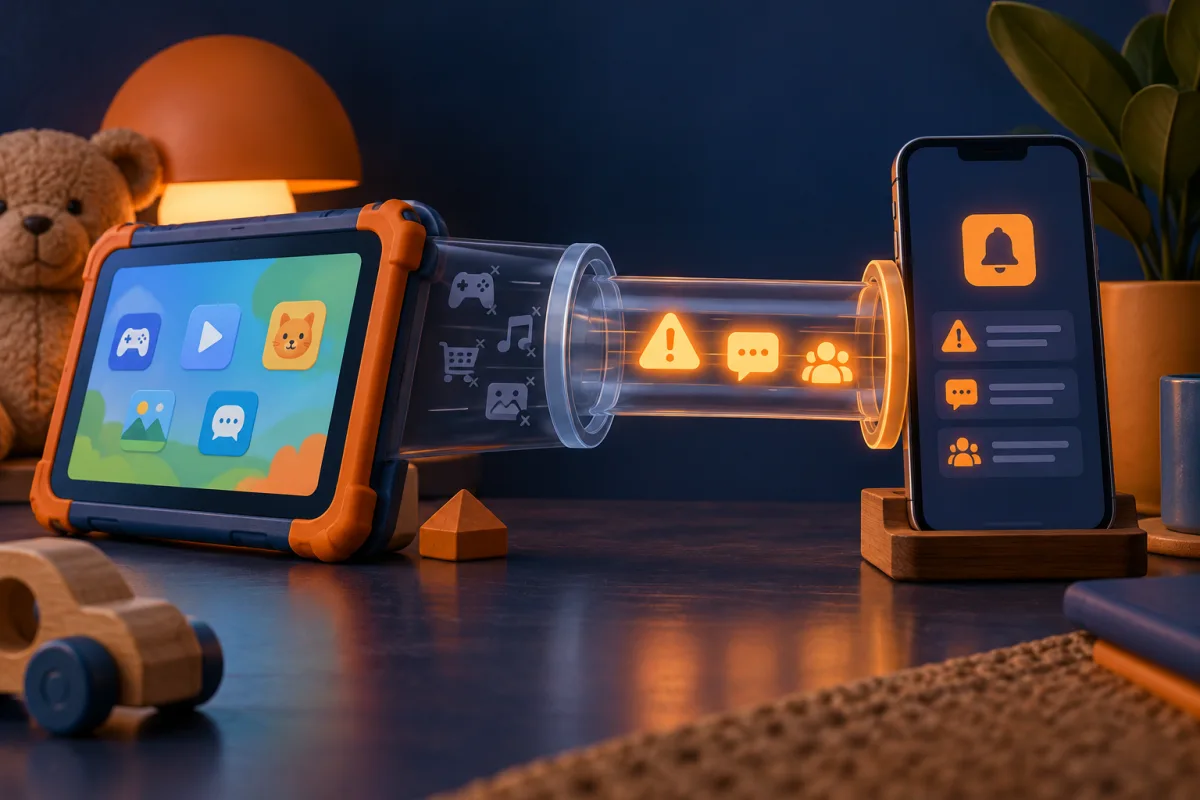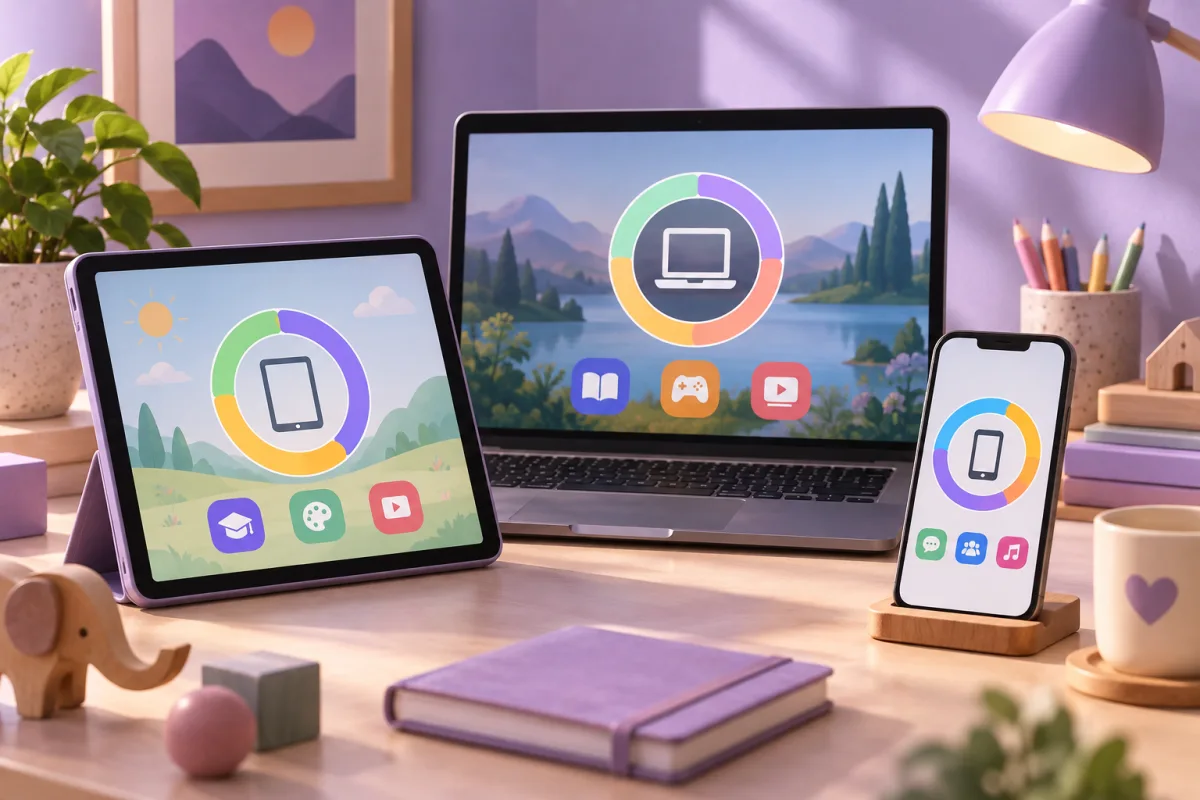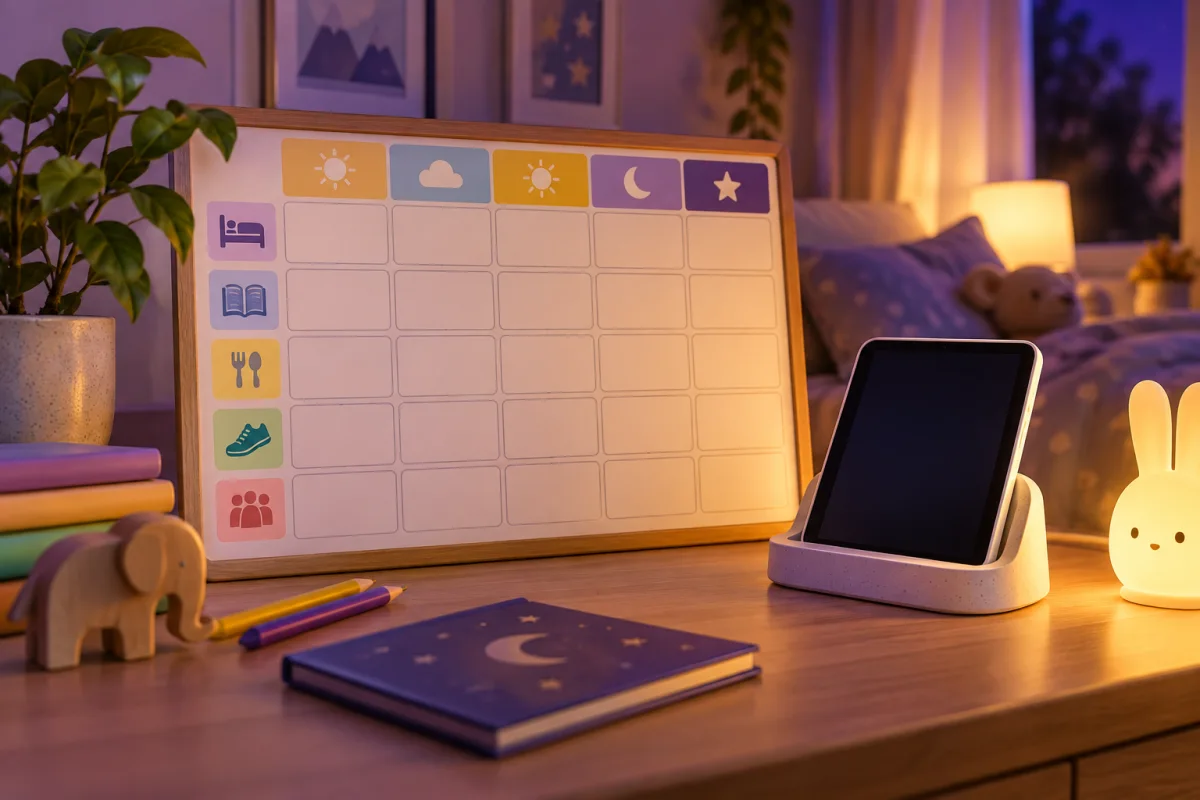
Aura is a candidate for families who want mobile content filtering and scheduled routines. Confirm the child-device requirements and separate those controls from any gaming or wider identity-protection features in the plan.
Treat the family features as their own purchase decision
Aura’s parental-control documentation describes mobile filtering, time-related controls, and additional family offerings. Those capabilities should be checked independently from Aura’s identity-monitoring package. Buying a broad family plan does not remove the need to understand each child-facing component.
List the phones and tablets you need to supervise, including their operating-system versions. Aura’s documentation distinguishes mobile parental controls from its Windows-oriented gaming feature. A feature shown on the same marketing page may have a different device requirement.
This review uses that documentation to identify fit and limitations. It does not claim that we measured filtering accuracy or evaluated the interpretation of a child’s behavior.
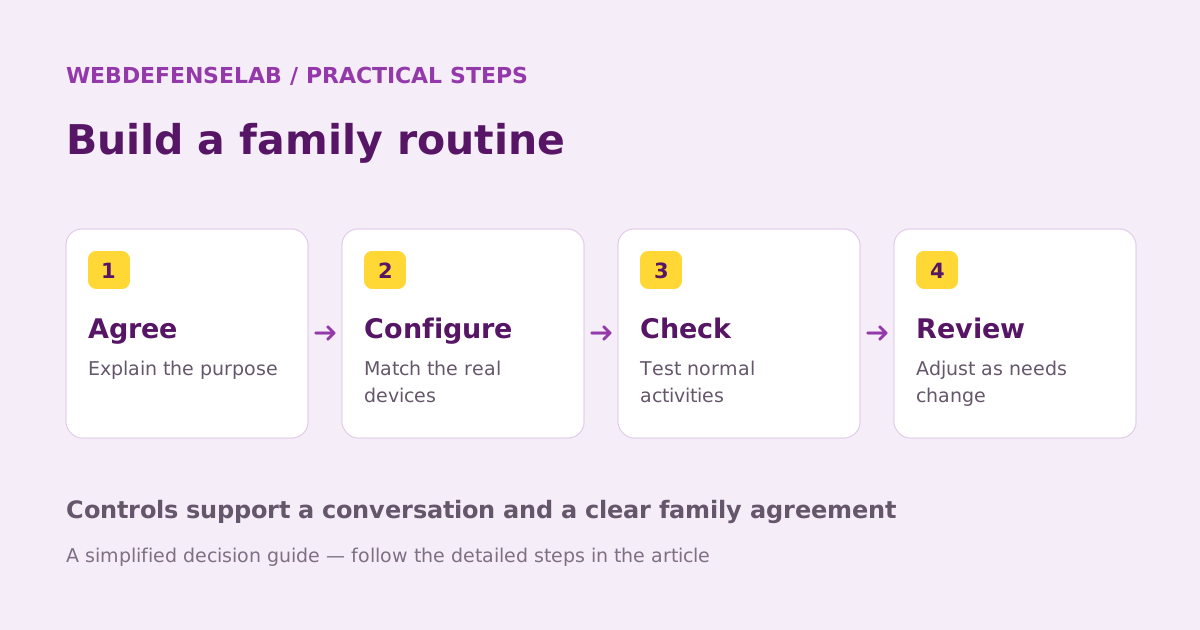
Start with one household routine
Choose a concrete goal such as reducing distractions during homework or setting a consistent internet bedtime. Define what should remain available, including school resources and an agreed way to contact a caregiver.
Check what the selected control actually pauses or restricts. An internet pause is not necessarily a complete device shutdown, and offline activities may remain possible. Explain the boundary so the rule does not depend on an incorrect assumption about the software.
| Routine | A useful check |
|---|---|
| Homework | School sites and required apps remain reachable |
| Bedtime | The schedule behaves as expected on the child’s device |
| An exception | A caregiver can approve a legitimate need |
| Travel or mobile data | The intended rule still applies on the normal connection |
Review filtering without overreacting to reports
Content categories are a starting point, not a perfect understanding of every page. A school project may involve words that trigger a restriction, while a new service may not fit the category you expect. Keep a process for correcting an inappropriate block.
If a plan includes reports or wellbeing-related information, treat it as context for a conversation. A graph or score cannot establish how a child feels or explain every change in their activity. Ask what happened before deciding that a number requires punishment.
Discuss who can view the reports and how long you need them. Use the least amount of access that still supports the purpose you agreed. As the child becomes more independent, review whether the same arrangement remains appropriate.
Compare the full plan and ongoing work
A household already considering Aura for adults may find the family offering convenient. Still, compare it with a separate parental-control tool and the built-in controls on the child’s devices. Count only the features you intend to use.
Before paying, verify which plan includes the relevant tools, how children and devices are enrolled, and the renewal total. Save the setup and removal instructions. Make sure another appropriate caregiver can handle routine exceptions if you are unavailable.
For a family mainly interested in supported content-monitoring alerts, compare Bark’s device-specific approach. For another supervision model, read the Norton Family review. The choice should follow device support and a workable family routine rather than the size of a bundle.
Check current features, eligibility, and renewal terms.
Sources & review notes
Source review: September 25, 2026. This is a documentation-based assessment; we have not measured alert speed, product performance, or support outcomes. Product terms can change.
About the author
 Oliver ReedDevice & family security
Oliver’s coverage explores device protection, malware prevention, recovery, and family device controls. These guides put operating-system tools first, explain when extra protection may help, and distinguish prevention from a response to an active incident.
View profile and articles