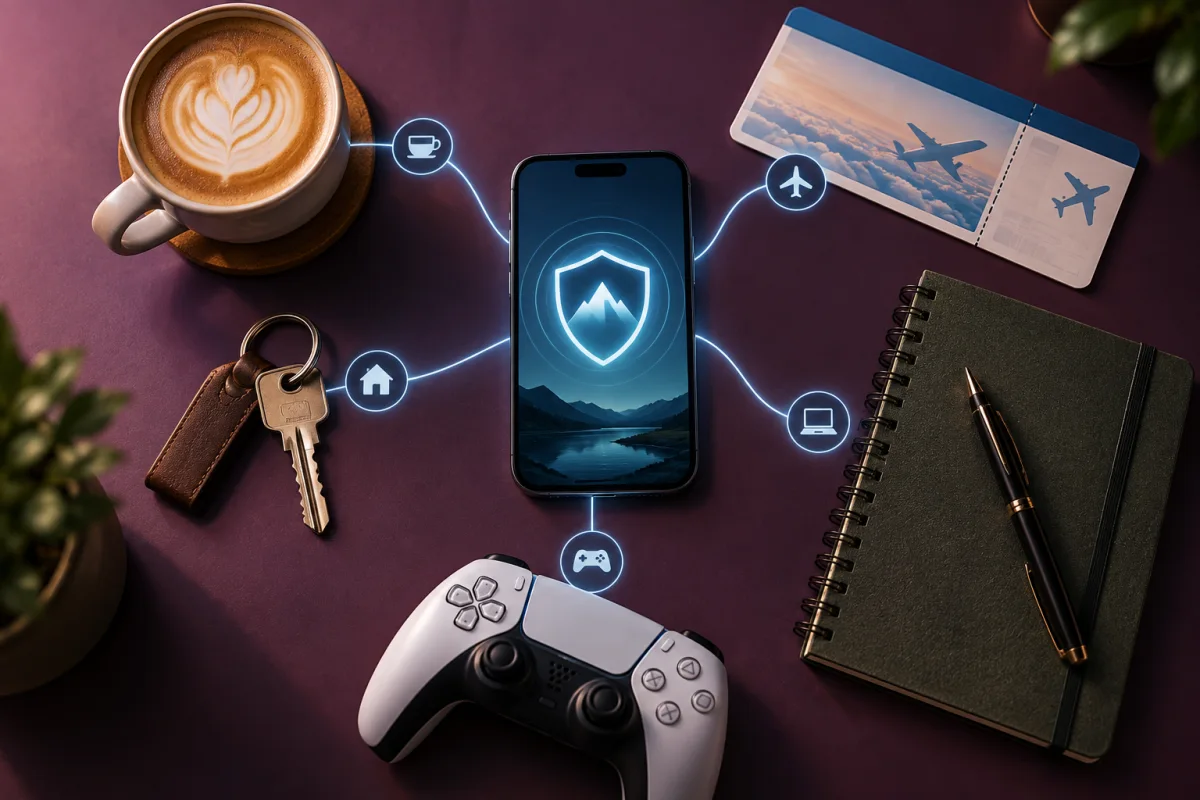
A VPN is useful when you want an encrypted tunnel across an untrusted network or a different public exit IP. It is less useful for problems caused by weak passwords, phishing, compromised devices, or tracking tied to an account.
At home: decide what you want to hide
Your home network is not automatically private, but buying another subscription is not always the first improvement to make. Update the router, change its administration password, protect your Wi-Fi, and maintain your devices. Those steps address risks that a VPN on one laptop cannot fix.
If your concern is your internet provider observing network destinations, a full-device VPN may help by moving that visibility to the VPN operator. That is a change in trust, not the elimination of trust. Read the operator’s logging policy, how long technical records are kept, and what independent assessments actually cover.
On shared Wi-Fi: add a layer without dropping the basics
A reputable VPN can be a reasonable extra layer in hotels, airports, and cafés. First confirm the network name with staff rather than joining a similarly named hotspot. Complete the network’s normal sign-in page, then enable the VPN and check that it connected.
Do not dismiss certificate warnings because you have a VPN. HTTPS, current software, and correct domains are still necessary. If a network unexpectedly asks you to install a certificate or device-management profile, stop and verify the request. Switching to a personal hotspot may be a simpler option.
For streaming: treat compatibility as temporary
A VPN may alter the location a streaming service infers from your network address. That does not guarantee access to a programme, and services can restrict VPN connections. Subscription region, payment details, licensing, and terms may affect what is available.
A sensible trial checks your own devices, the programmes you are entitled to watch, peak-hour playback, and cancellation terms. Avoid paying for several years solely because a review says one platform worked once. Our streaming guide explains a more useful evaluation.
At work: use the approved connection
A company VPN may provide access to internal tools. A consumer VPN generally serves a different purpose and cannot grant permission to use those tools. Work devices may already be monitored or configured to route traffic through company controls.
Ask your IT team before combining tunnels, changing DNS settings, or installing an extension. A personal VPN does not override workplace policies and may interfere with a device’s security software. Do not assume that turning it on makes work browsing private from the device administrator.
When to spend your effort elsewhere
- If an account keeps getting accessed: change its password from a trusted device, revoke old sessions, and enable strong authentication.
- If advertisements follow you: review browser privacy controls, cookies, and account advertising settings. A blocker may address the immediate problem more directly.
- If a computer is behaving suspiciously: update and scan it. Deal with possible malware before relying on a private connection.
- If you fear losing irreplaceable files: build and test a backup process. A VPN cannot restore a destroyed document.
Make a decision you can explain
Write a one-sentence goal: “I want my travel laptop to connect automatically on hotel Wi-Fi.” Next, list the two or three features that support it, the devices you need, and the price you are willing to pay at renewal. This makes a shortlist much easier to assess.
Try the free or short-term option where it is appropriate. Check the purchase conditions first; a free trial, a free plan, and a refund period are different arrangements. Keep a reminder before any charge or renewal date.
Questions, answered
Do I need both a VPN and antivirus?
They solve different problems. Use the protections your operating system provides first, then add tools for a clear unmet need.
Is a free VPN always a bad idea?
No. A limited free plan from a clearly identified provider is different from an unknown app with an unclear business model. Check restrictions and privacy documentation.
Sources & further reading
Source review: September 25, 2026. Product features and subscriptions can change; confirm the exact plan before purchase.
About the author
 Clara WeissVPNs, passwords & digital privacy
Clara’s coverage focuses on VPN privacy, transparent product documentation, password-manager recovery, and the practical limits of encrypted connections. Start with the VPN explainers for help turning a feature list into a useful decision.
View profile and articles