
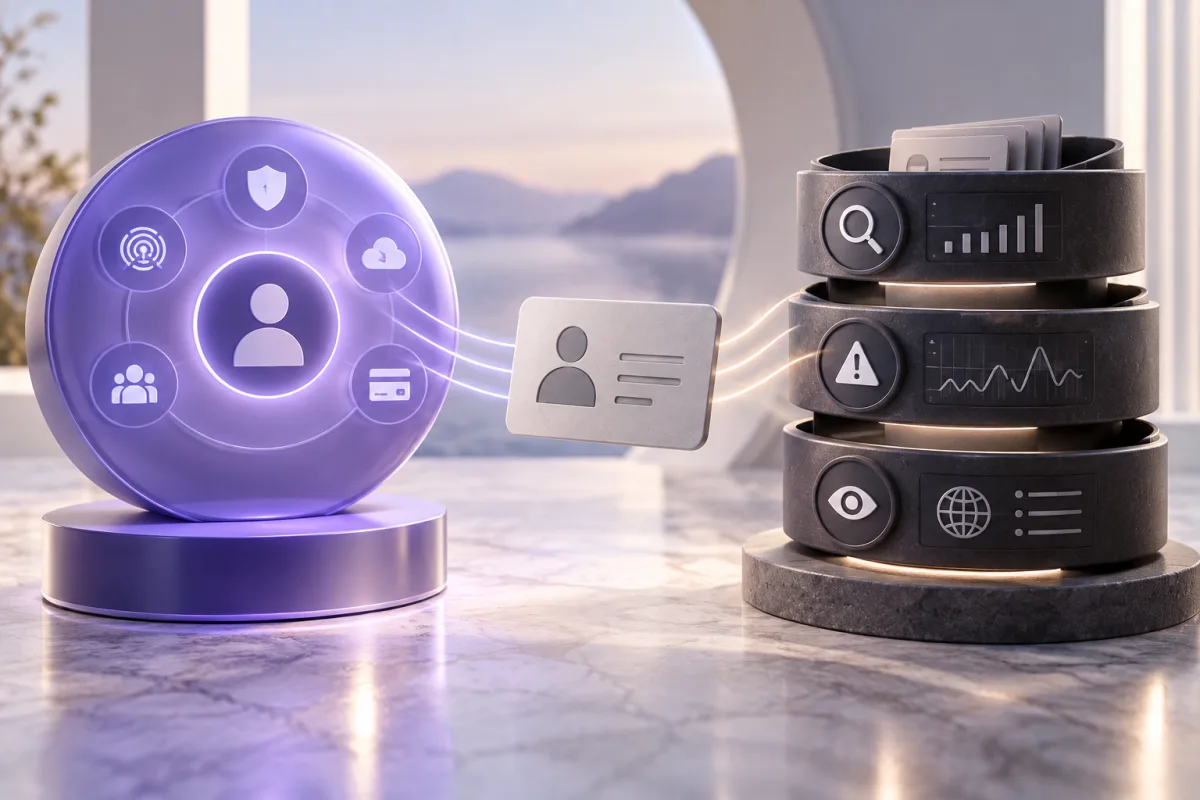
Aura is a starting point for a combined digital-security package. Identity Guard is a starting point for comparing protection tiers. Check the exact offer on each side and count only the features you will use.
Start with what you already have
Inventory the protection already available through your bank, employer, device software, or another subscription. Write down its expiration date and limitations. This prevents the comparison from turning into a contest over the largest feature count.
Aura markets several security tools together with identity protection. Identity Guard publishes individual and family tiers. These approaches can suit different readers, but neither tells you whether a specific requirement is included in the price you see.
| If you need… | Make this the deciding detail |
|---|---|
| A simpler software bill | Whether the bundle replaces working subscriptions |
| Credit-file visibility | Which bureaus the selected tier monitors |
| Support after misuse | The actual assistance and authorization process |
| Several adult members | Eligibility, separate access, and enrollment |
| A predictable budget | Full-term cost and the next renewal |
Compare monitoring line by line
Do not combine features from several plan columns in your notes. Put the exact plan name at the top and record only what that column includes. If credit coverage or a support level is unclear, resolve it before assigning value to the offer.
Consider the amount of information you are willing to provide for optional monitoring. A feature that requires linking an additional account may be useful, but it creates another decision about access and data handling. Read the explanation and revocation process rather than enabling everything automatically.
Setup also affects usefulness. Verify that the contact email is correct, each adult has finished enrollment, and notifications reach a device that is checked regularly. A technically included feature can still be ineffective for you if its setup is incomplete.
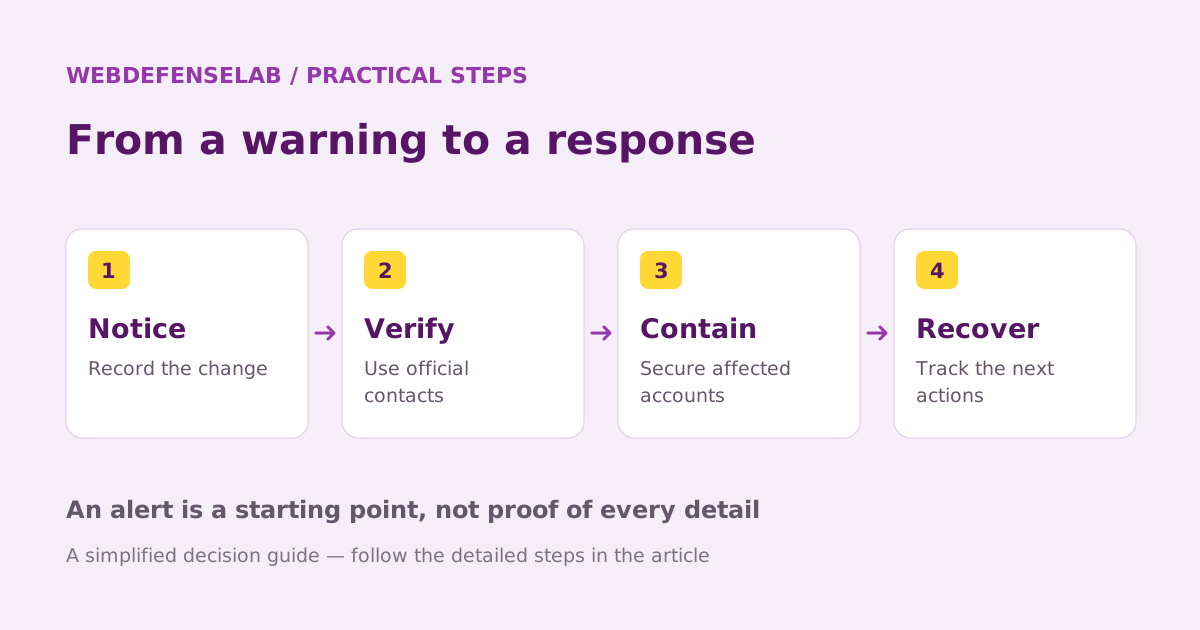
Use one household scenario
Imagine two adults who already use a password manager and are mainly interested in credit alerts plus help if identity theft occurs. For them, unused security software should receive little weight. They should compare the relevant monitoring and support terms first.
Now imagine a household trying to replace several separate tools. Aura’s bundle may deserve more attention, but only after checking device support, migration effort, and the need for parental features. The value of consolidation is conditional on a successful replacement.
For either household, ask how a claim or existing incident is treated. Insurance terms and assistance terms should be checked independently. A maximum coverage amount does not establish that your expected type of loss is covered.
Make a decision you can revisit
Keep a compact record of your requirements, the selected plan, the first charge, and the renewal date. Set a reminder early enough to review usage before the cancellation deadline. The better choice now may change if your household or existing subscriptions change.
During an applicable trial, review the dashboard and support route without creating fake fraud. Are alerts explained clearly? Can each member sign in? Do you know how to remove optional account connections? These practical checks are more informative than counting dashboard widgets.
Use our Aura review and Identity Guard review for the individual checklists. This comparison uses published information and conditional suitability advice, without claiming hands-on measurements or outcomes.
Sources & review notes
Source review: September 25, 2026. This is a documentation-based assessment; we have not measured alert speed, product performance, or support outcomes. Product terms can change.
About the author
 Luca MoreauIdentity protection & practical security
Luca’s coverage turns identity-protection and everyday security questions into manageable checklists. The weekly briefings cover accounts, networks, and safer browsing, with a practical action readers can complete in a single sitting.
View profile and articles