
GoDaddy Websites + Marketing is a candidate for a straightforward business website. Evaluate the exact builder plan and its backup scope; GoDaddy’s domain, hosting, WordPress, and builder products are separate services.
Know which GoDaddy product you are evaluating
The GoDaddy name appears on domain registration, hosting, WordPress, security products, and Websites + Marketing. This review concerns Websites + Marketing. Instructions for another GoDaddy product may not apply to the builder.
Begin with the business tasks you need to support. A local service provider might need clear opening hours, appointment information, and an inquiry form. A retailer may need product variants, taxes, and shipping rules. Check the relevant plan against those tasks.
A guided builder can reduce the decisions involved in assembling a page. Still, test whether its available layouts suit your actual content. A page with an unusually long service description or a detailed comparison may need more flexibility than the first template suggests.
Read the backup scope carefully
GoDaddy’s Websites + Marketing backup documentation says a site backup covers sections, text, and settings, while other account content is outside that backup. It specifically distinguishes items such as blogs, products, appointments, and images.
That makes a backup plan more than pressing one button. Identify the records important to your business and check the available export or recovery method for each. Keep original media and essential copy in a separate, organized location.
| Area | A practical question |
|---|---|
| Page layout and text | Can I restore a previous version? |
| Products or appointments | What separate export or recovery route exists? |
| Images | Do I retain the original files? |
| Domain and account | Can the owner recover access without a contractor? |
Test a normal customer journey
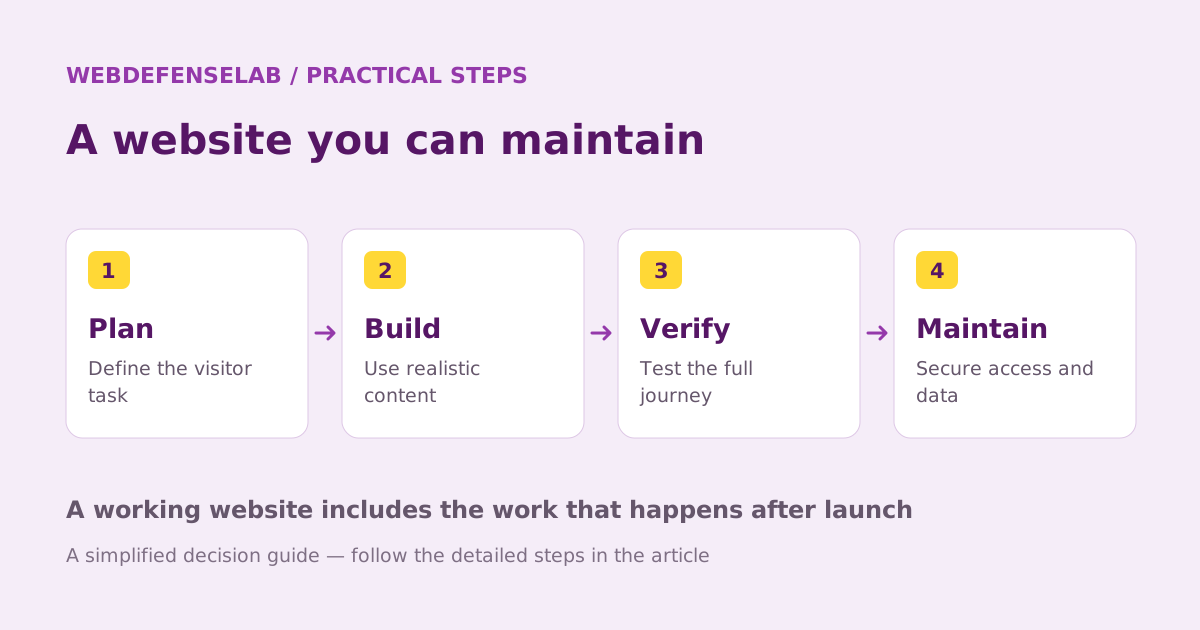
Build a page that answers what you do, where or how you provide it, and what the visitor should do next. Test the form from a phone and confirm the message arrives in the correct account. Make the confirmation clear enough that a visitor does not submit repeatedly.
If appointments or selling are essential, check the full workflow in the selected plan. A feature label is not enough: examine cancellation, customer notifications, payment methods, and the daily tasks staff must perform.
Review navigation and page titles after adding real content. A small site with a clear path to useful information is better than a large collection of vague pages. Search settings cannot compensate for missing contact details or unclear service descriptions.
Budget for the complete setup
List domain renewal, email, the builder subscription, paid additions, and any payment costs. Check what happens when an introductory period ends. Buying several products from one company can be convenient, but each still has its own terms.
Use separate collaborator access where available instead of sharing the owner’s credentials. Keep domain and business email recovery information current. If someone builds the site for you, include account handover and access removal in the completion checklist.
GoDaddy can be a useful shortlist option when a guided workflow matches your site’s needs. Compare Wix for another approach to website creation and Shopify for a store-focused operation. We have not benchmarked these services; the review identifies practical decisions supported by documentation.
Check current features, eligibility, and renewal terms.
Sources & review notes
Source review: September 25, 2026. This is a documentation-based assessment; we have not measured alert speed, product performance, or support outcomes. Product terms can change.
About the author
 Sofia LindBrowsers, ad blocking & websites
Sofia’s coverage follows browser privacy, extension permissions, content filtering, and the practical management of hosted websites. Her articles explain the difference between hiding an advertisement, blocking a request, and protecting an account.
View profile and articles