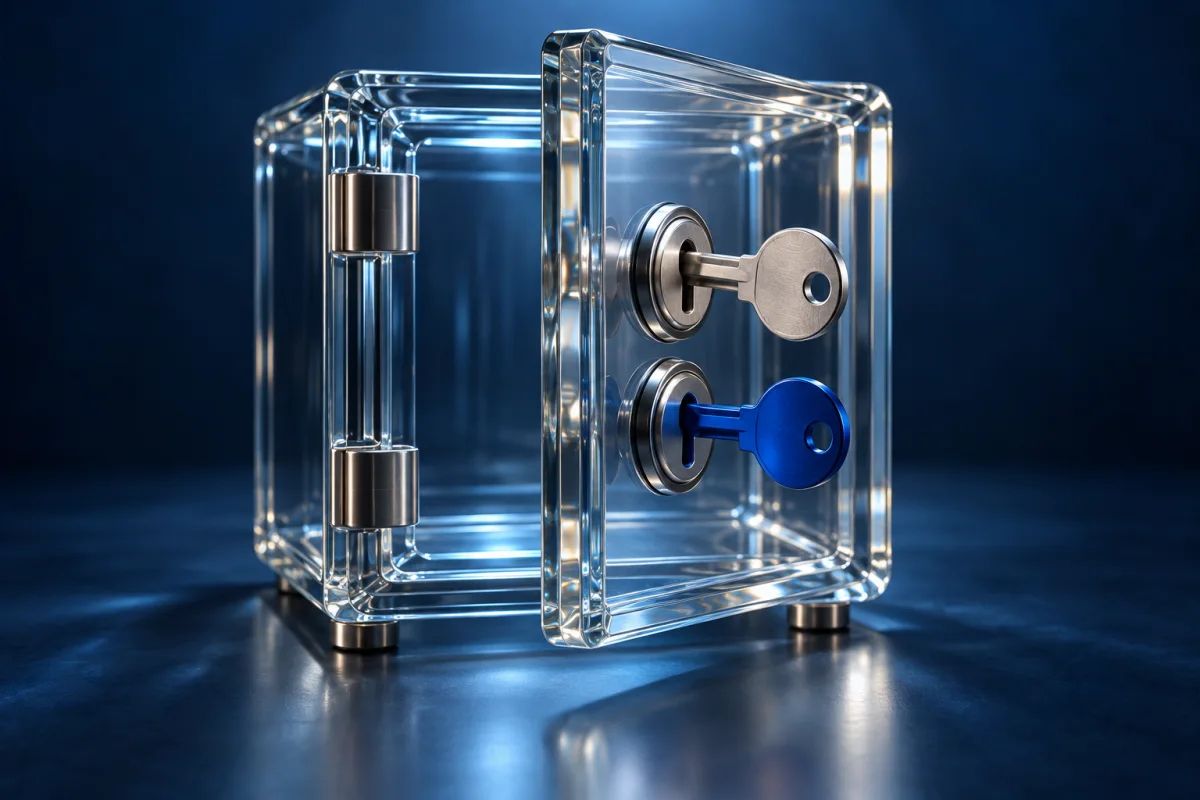
1Password is a paid password manager with individual and family accounts. Its account password and Secret Key work together to protect the vault. Shortlist it for a household that needs private items alongside shared logins, and make the Emergency Kit part of setup rather than a task for later.
| Worth considering for | Shared vaults across devices |
|---|---|
| Plan approach | Paid individual and family plans; trial available |
| Check before choosing | The Secret Key is not a substitute for the account password. Plan recovery and compare the renewal price after any introductory offer. |
Two pieces of account protection
1Password’s documented design combines an account password with a Secret Key. The key is used when setting up access on a new device, while already-authorized apps can handle ordinary unlocking differently. The provider explains that the Secret Key is not a password-reset code. Its Emergency Kit helps you retain the information needed for access.
The practical question is whether you can maintain that extra material sensibly. Consider a phone replacement: if the old phone is unavailable, where will you find the kit and any other required recovery information? Do not make the answer depend entirely on the device you are replacing. Equally, do not treat a screenshot in a shared photo album as an appropriate place for vault secrets. Read the current recovery instructions while you still have working access.
Design the household vault before importing
The family offering separates private data from shared vaults. Start with a simple map of what genuinely needs sharing: perhaps a household service account and a shared address record. Personal email, work credentials, and individual recovery details usually belong in a different place. Check the membership and additional-user terms for the plan you buy.
For example, a parent helping an adult relative should agree on the scope of assistance. Sharing one household login does not require sharing every private password. Test with a low-risk item, confirm who can see it, and ask the other person to find and use it independently. If a person leaves a shared account, removing vault access may need to be followed by changing the password at the service.
Evaluate the everyday workflow
1Password publishes apps and browser extensions for a broad platform mix. Build your evaluation around the combinations you actually use, such as an Android phone and a Mac, instead of installing every available component. Check saving, filling, editing, and finding an item after the vault locks.
A useful exercise is to create a test login with an easily confused website name. Does the saved address remain clear? Can you notice when the browser is on a different domain? Autofill should support an intentional sign-in, not encourage you to ignore the address. Watchtower’s warnings can help identify cleanup work, but dismissing a warning is not the same as changing a password at the affected site. Give that cleanup its own time.
Decide what the subscription earns you
Compare the ongoing charge with the sharing and organization features you will use. A discounted first year and a free trial are not permanent free access. Check whether the purchase is billed through the vendor or an app store, because managing the subscription may follow a different route.
If your needs are simply unique passwords on several devices, include Bitwarden and Proton Pass in the comparison. Paying for 1Password can be reasonable when its specific workflow fits better, but broad feature coverage does not establish that it is necessary for everyone. During the trial, note any task that requires assistance. A manager you can recover and operate confidently is a better match than one selected solely for a long feature list.
A short decision checklist
- Try saving, changing and retrieving a low-risk login on each essential device.
- Read the account-recovery instructions and identify any information you must keep independently.
- Check private and shared access before importing sensitive records.
- Compare the current plan and renewal terms with the features you actually used.
Who should consider 1Password?
1Password is worth a closer look for mixed-device households that want a clear division between shared and private items. Its extra Secret Key also creates a setup responsibility. Choose it after verifying recovery and everyday access, and compare a free alternative if you do not need its particular sharing workflow.
Use our ten-product password manager comparison to narrow the alternatives, or start with the password manager guide for setup and migration basics.
Common questions
Is 1Password free?
The personal offering is paid with a trial. Check the current renewal and billing terms before subscribing.
Does the Secret Key replace my account password?
No. Read the provider’s recovery instructions and keep the required access material available outside a single device.

Confirm current features, compatibility and terms.
Sources and review notes
Source check: September 25, 2026. This is a documentation-based assessment with practical evaluation advice. We have not performed a hands-on security audit or measured autofill accuracy. Features and plans can change.
About the author
 Clara WeissVPNs, passwords & digital privacy
Clara’s coverage focuses on VPN privacy, transparent product documentation, password-manager recovery, and the practical limits of encrypted connections. Start with the VPN explainers for help turning a feature list into a useful decision.
View profile and articles