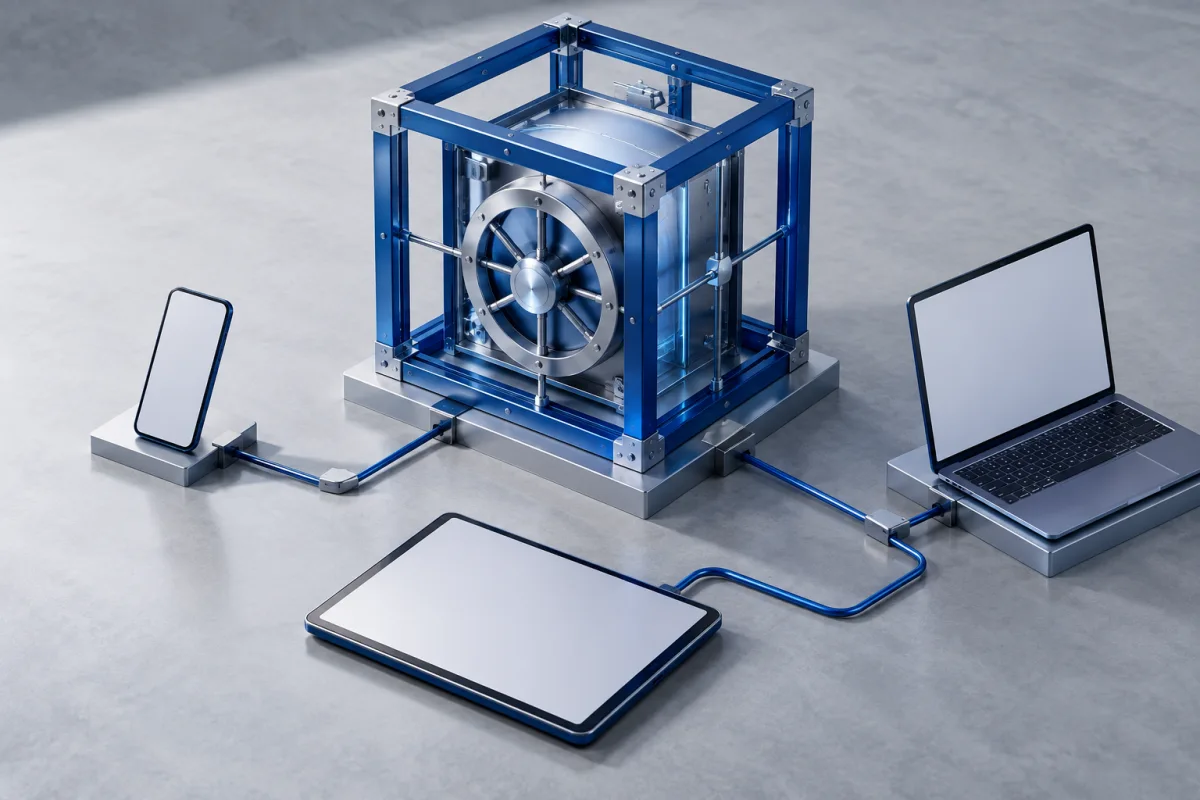
Bitwarden’s free individual plan includes unlimited vault items and access across devices. Paid personal features and organization-based sharing are separate choices. It is a useful starting point when you want to replace password reuse without making a subscription the first requirement.
| Worth considering for | Free password management across devices |
|---|---|
| Plan approach | Free individual; paid Premium and Families |
| Check before choosing | Premium individual and Families are different offers. Check organization membership and sharing rules instead of assuming an individual upgrade covers a household. |
A free plan with a practical core
Bitwarden documents free unlimited storage for logins, notes, cards, and identities, plus access on devices and a password generator. That gives a new user room to adopt unique credentials without beginning with a paid plan. The more useful question is whether the interface fits the person who will use it every day.
Start with a handful of accounts. Save each record with a recognizable name and the correct website address, then find and use it from another device. Notice the difference between locking the vault and signing out. Learn the official unlock and recovery behavior before storing the only copy of a critical credential. A free price removes a billing decision, but it does not remove the responsibility to protect the vault account.
Understand personal vaults and organizations
Bitwarden separates individual plans from organization-based sharing. Its free organization supports two users with limited collections; Families expands household sharing and includes premium features for members. Buying Premium for one individual is not the same as purchasing a family sharing plan.
The distinction is easiest to understand through ownership. A private email login belongs in a personal vault, while a shared household account belongs in an intentionally shared space. Before moving a real item, test with a harmless record and confirm which person can see, edit, or manage it. Keep the arrangement simple enough that the household can explain it. A technically correct permission setup can still be confusing if people do not know where new shared items should go.
Choose an upgrade for a specific job
Paid personal capabilities include features such as Emergency Access and additional tools described in the current plan comparison. Decide which of them you actually need before upgrading. If the goal is a household setup, compare the organization plan rather than assembling assumptions from the individual feature list.
For example, someone living alone may value an emergency contact who can follow a prepared process. A couple may care more about a shared collection and separate private vaults. Those are different decisions. Configure the selected feature and walk through its instructions while access is working. An unconfigured paid benefit should not be counted as part of your recovery plan merely because the subscription is active.
Keep the first setup manageable
Use the official hosted service and supported apps unless you have a specific reason and the ability to manage a more complex deployment. Running your own infrastructure adds maintenance, backup, and availability responsibilities. It is not a prerequisite for using a password manager well, and a home server can become an extra point of failure if no one knows how to recover it.
For an ordinary migration, begin with a small import and compare individual records against the old vault. Verify notes, website addresses, shared ownership, and special data types. Decide which browser component saves new logins so you do not create two competing records after every password change. Protect the associated email and keep required recovery information accessible without depending solely on the device holding the vault. A small, reliable routine is easier to maintain than an ambitious setup you rarely understand.
A short decision checklist
- Try saving, changing and retrieving a low-risk login on each essential device.
- Read the account-recovery instructions and identify any information you must keep independently.
- Check private and shared access before importing sensitive records.
- Compare the current plan and renewal terms with the features you actually used.
Who should consider Bitwarden?
Bitwarden is a strong candidate to investigate when free cross-device password management is the priority. The main buying distinction is between individual extras and organization-based household sharing. Choose the simplest plan that supports the way you will actually use, share, and recover the vault.
Use our ten-product password manager comparison to narrow the alternatives, or start with the password manager guide for setup and migration basics.
Common questions
Is Bitwarden Premium the family plan?
No. Premium individual and Families organization are separate offers with different purposes.
Do I need to host Bitwarden myself?
No. Self-hosting is an optional deployment choice with additional operational responsibilities, not a requirement for the regular hosted service.

Confirm current features, compatibility and terms.
Sources and review notes
Source check: September 25, 2026. This is a documentation-based assessment with practical evaluation advice. We have not performed a hands-on security audit or measured autofill accuracy. Features and plans can change.
About the author
 Clara WeissVPNs, passwords & digital privacy
Clara’s coverage focuses on VPN privacy, transparent product documentation, password-manager recovery, and the practical limits of encrypted connections. Start with the VPN explainers for help turning a feature list into a useful decision.
View profile and articles