
Credit Sesame’s free TransUnion monitoring can suit someone who wants a simple starting point. Check current free and paid inclusions carefully; a single-bureau view is not the same as monitoring all three major files.
Understand the free starting point
Credit Sesame describes free TransUnion-based credit information and monitoring, alongside optional premium offerings. Use the current account and plan details to separate the free service from features shown in upgrade promotions.
The important questions are which bureau supplies the information, which score model is displayed, and when the data was updated. A score summary is useful context, but it cannot explain every unfamiliar entry without reviewing the underlying report.
Our review focuses on the documented service and buying decisions. We have not measured alert delay or assessed whether an individual user’s credit information is accurate.
Read alerts as a prompt to verify
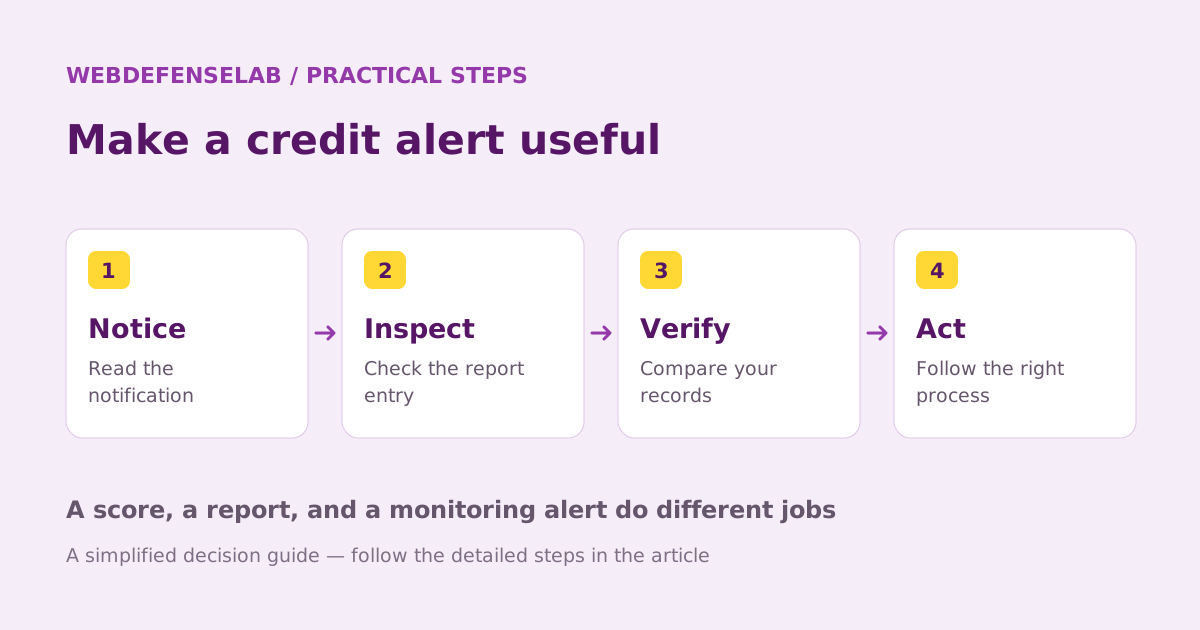
A notice about a new inquiry or account deserves attention, but the first task is to understand the event. Match the institution name and date with recent applications and account changes. A lender can appear under a name different from the brand you recognize.
If the activity remains unfamiliar, use a verified contact route to the institution and obtain the relevant report. Keep notes of the investigation. Avoid responding to the notification by sending identification documents to an address you have not independently confirmed.
| Alert or screen | Useful next step |
|---|---|
| Score changed | Review the factors and update date |
| New inquiry | Check recent authorized applications |
| Unfamiliar account | Contact the institution and inspect the report |
| Premium offer | Identify the exact additional bureau coverage or service |
Evaluate the optional upgrade
A paid feature is worthwhile only if it addresses a gap you care about. Compare monitoring coverage, report access, assistance, and the complete renewal cost. Do not assume an upgrade automatically includes every feature advertised elsewhere on the website.
Also compare the tools you already receive from your bank or another service. Two apps may show overlapping information. More notifications are not necessarily better if neither fills the specific gap you identified.
Keep product recommendations separate from the reason you opened the app. An offer to apply for credit is a new financial decision with its own terms and consequences. A monitoring score or an estimated match should not be treated as a guarantee of approval.
A practical monthly check
Set aside a short period to review changes, verify account names, and note anything that requires follow-up. Use official report access when you need a more complete view or details missing from a summary. If an entry is wrong, follow the reporting company’s dispute process and the CFPB’s guidance.
For example, a reader using Credit Sesame may see no unusual TransUnion change while investigating a notice connected to another bureau. They should inspect that other report rather than taking the calm dashboard as an all-clear.
Compare Credit Karma if a different free view would help, or read our monitoring guide for a broader decision. The service is useful as one part of an informed routine, not as a promise to raise a score or protect every financial account.
Check current features, eligibility, and renewal terms.
Sources & review notes
Source review: September 25, 2026. This is a documentation-based assessment; we have not measured alert speed, product performance, or support outcomes. Product terms can change.
About the author
 Luca MoreauIdentity protection & practical security
Luca’s coverage turns identity-protection and everyday security questions into manageable checklists. The weekly briefings cover accounts, networks, and safer browsing, with a practical action readers can complete in a single sitting.
View profile and articles