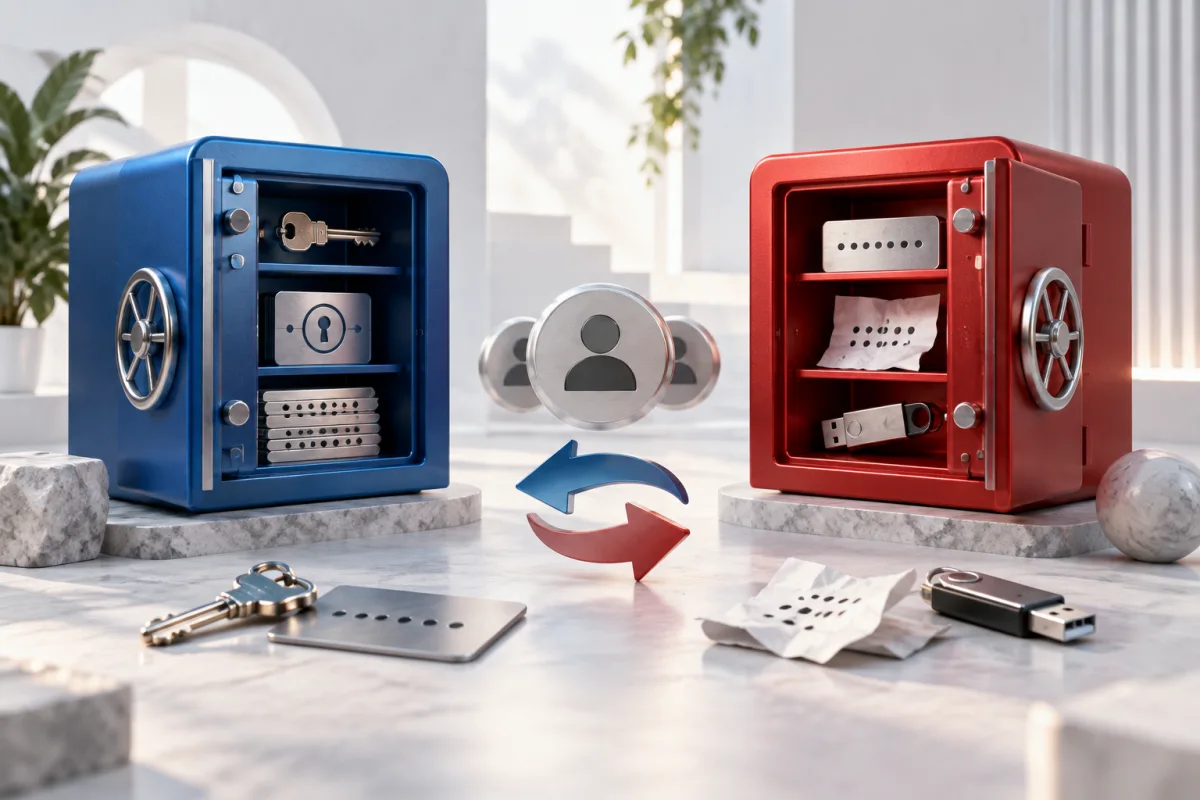
Compare the account-protection model, recovery arrangements, and your confidence in the provider. 1Password’s documented Secret Key is a meaningful design difference; LastPass’s 2022 incident history is a relevant part of the trust assessment.
Understand the design difference
1Password documents an account password plus a Secret Key for protecting account data. The Secret Key adds a separate piece of account protection and must be retained as part of your access plan. Read the setup instructions rather than assuming it is another ordinary password-reset code.
LastPass’s incident update explains that attackers obtained customer vault backups during the 2022 incident, with sensitive fields encrypted and some metadata exposed. That history warrants careful consideration. It does not justify claiming that every user’s password was decrypted or that a current individual account is compromised.
Neither provider’s architecture removes the need to protect the device where you unlock the vault. Malware, careless sharing, and weak recovery practices can create risks outside the encrypted storage model.
LastPass’s current Premium documentation describes access across devices and sharing of passwords and notes. Compare those ordinary tasks with 1Password on your actual devices, including who can access a shared item and how that access is removed. Feature availability and recovery requirements should be checked for the specific subscription.
Compare recovery before comparing convenience
Imagine losing your main phone and laptop at the same time. What would you need to sign in from a new trusted device? Where is that material stored, and who can help if the normal route fails? Answer those questions before importing the most important accounts.
1Password publishes guidance for family recovery, Emergency Kits, and recovery codes. If you select it, configure the relevant option and explain it to appropriate family members. For LastPass, review the current recovery methods applicable to your account rather than assuming a past device setup will always remain available.
| Decision | What to check in either product |
|---|---|
| Recovery | Required secrets, trusted devices, and backup routes |
| Family sharing | Private versus shared items and organizer powers |
| Daily use | Actual browsers, phones, and autofill behavior |
| Migration | Notes, attachments, passkeys, and export format |
| Billing | Long-term cost for the people who need access |
Use a deliberate trust assessment
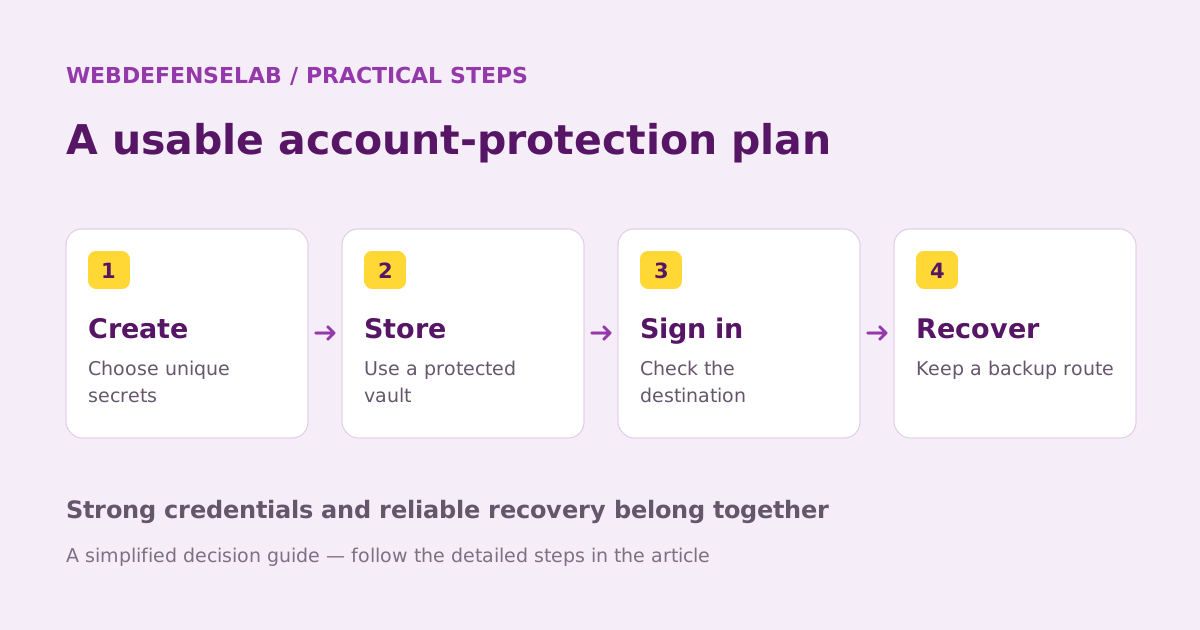
Look at how each provider explains its security model, publishes incident information, and documents recommended actions. A familiar brand or an attractive interface is not a substitute for evidence. At the same time, avoid converting a historical incident into unsupported claims about every present-day outcome.
If your concern relates to an old exposure, identify which credentials and accounts need action. Changing a vault password and changing the passwords stored inside it are different operations. Review the provider’s current guidance and prioritize the accounts with the greatest consequences.
Keep multi-factor recovery material secure and accessible. Storing the only recovery code for your email inside a vault that requires that same email to recover can create a circular dependency.
A careful switching example
A family considering a move can start with one adult, import a small representative set, and test sign-in on all normal devices. They can then configure sharing and recovery before moving the remaining accounts. This reduces confusion about who owns the latest password for shared services.
Protect any plaintext export and verify important fields before deleting the old vault. Passkeys and attachments may need separate handling. After the move, change credentials that require rotation on the actual websites; importing them alone is not a security reset.
Choose the service whose documented protection and recovery model you understand and can maintain. See the migration checklist and our wider shortlist. This comparison does not claim a hands-on security audit or a guaranteed outcome from either product.
Sources & review notes
Source review: September 25, 2026. This is a documentation-based assessment; we have not measured alert speed, product performance, or support outcomes. Product terms can change.
About the author
 Clara WeissVPNs, passwords & digital privacy
Clara’s coverage focuses on VPN privacy, transparent product documentation, password-manager recovery, and the practical limits of encrypted connections. Start with the VPN explainers for help turning a feature list into a useful decision.
View profile and articles