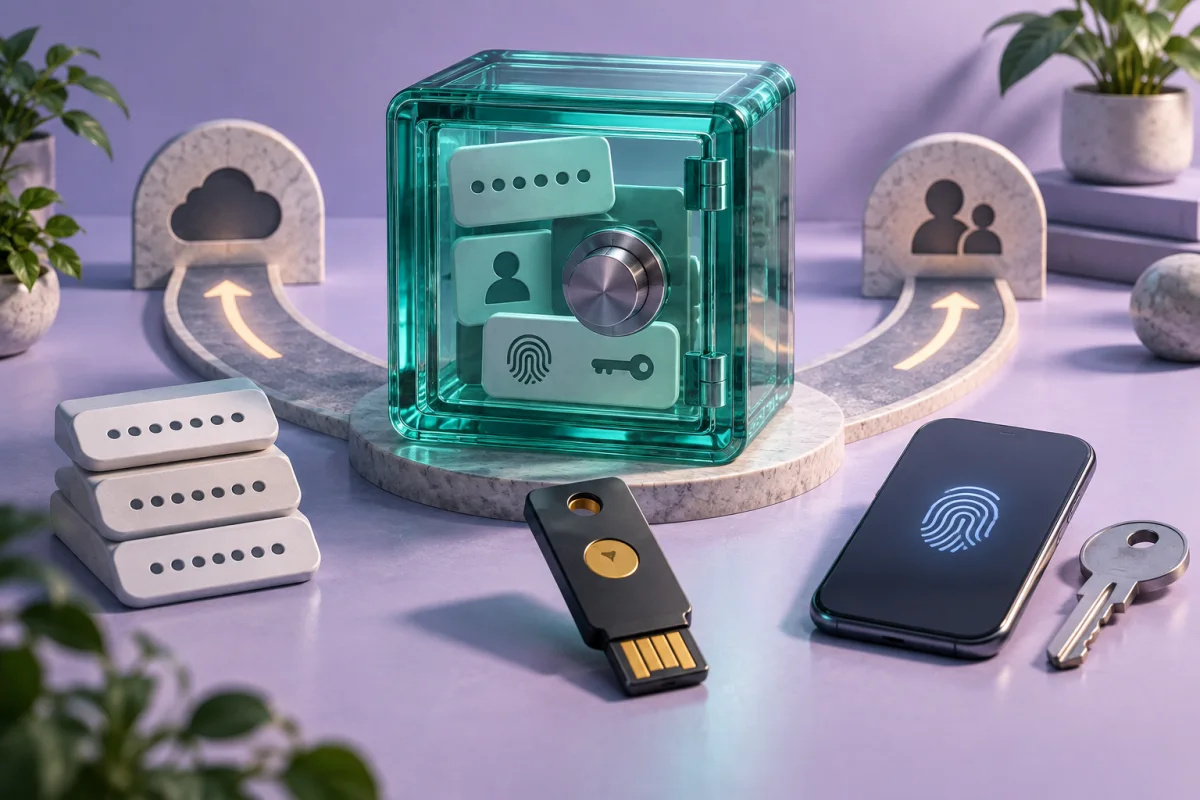
NordPass is worth shortlisting for a dedicated password-and-passkey vault. Judge it by everyday use on your devices and the recovery process, not by the name of an encryption algorithm alone.
Understand the documented security approach
NordPass describes a zero-knowledge architecture and XChaCha20-based protection in its security materials. Those are relevant design details, but they do not by themselves measure the security of every component or eliminate the risks of a compromised device.
Your own setup remains important: use a strong unique master password, secure the associated account, and understand how unlocking and recovery work. Biometrics can make daily access convenient, but you still need a plan for a replaced phone or a device that no longer starts.
This review is based on published documentation. We have not performed a cryptographic audit or penetration test and do not present a numerical security score.
Check the actual device workflow
Install only the official application or extension through a trusted route. Test saving a new login, filling an existing one, and correcting an entry. Include the browsers and mobile apps you normally use rather than testing on only one desktop page.
NordPass describes storage for passwords and passkeys. Check the current feature and plan requirements for the device combination you need. Storing a passkey, using it to sign in, and transferring it to another product are separate operations.
| Test | A useful success condition |
|---|---|
| New login | The correct site and username are saved |
| Autofill | You can review the destination before filling |
| Device restart | You understand the required unlock method |
| Shared item | The intended person gets appropriate access |
| Recovery | Emergency access does not depend on one lost device |
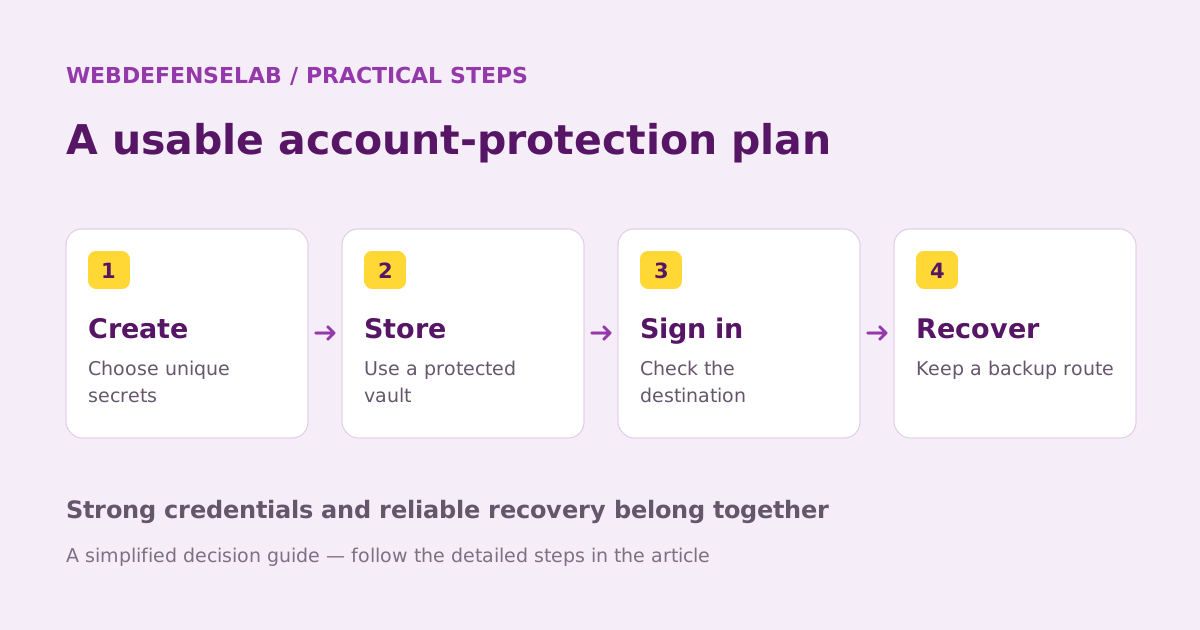
Choose the plan around a real need
Compare the free and paid offerings against a list of requirements. Look closely at concurrent device use, sharing, and any health or exposure checks that interest you. Avoid assuming the broad feature page describes every plan in the same way.
If you already have Nord-branded services, check the actual entitlement in your account before buying an additional subscription. Similar branding does not prove that a particular password-manager plan is included.
For a household, separate shared logins from individual private vaults. Do not solve a sharing limitation by circulating the master password. Each person should understand how their own recovery route works.
Import carefully and verify the result
If moving from another manager, treat the export as sensitive. Keep it on a trusted device and verify the imported usernames, URLs, notes, and special fields. Check attachments and passkeys separately before deleting the old data.
Update reused or exposed credentials on the actual services. Moving a password between vaults does not change it at the website. Begin with email and accounts that can reset access elsewhere, then work through the remaining priorities.
NordPass may be a good fit if its documented features match your devices and its recovery process is one you can maintain. Compare Bitwarden and 1Password using the same everyday checks. A short successful setup exercise is more useful than assuming a familiar brand makes every decision for you.

Check current features, eligibility, and renewal terms.
Sources & review notes
Source review: September 25, 2026. This is a documentation-based assessment; we have not measured alert speed, product performance, or support outcomes. Product terms can change.
About the author
 Clara WeissVPNs, passwords & digital privacy
Clara’s coverage focuses on VPN privacy, transparent product documentation, password-manager recovery, and the practical limits of encrypted connections. Start with the VPN explainers for help turning a feature list into a useful decision.
View profile and articles