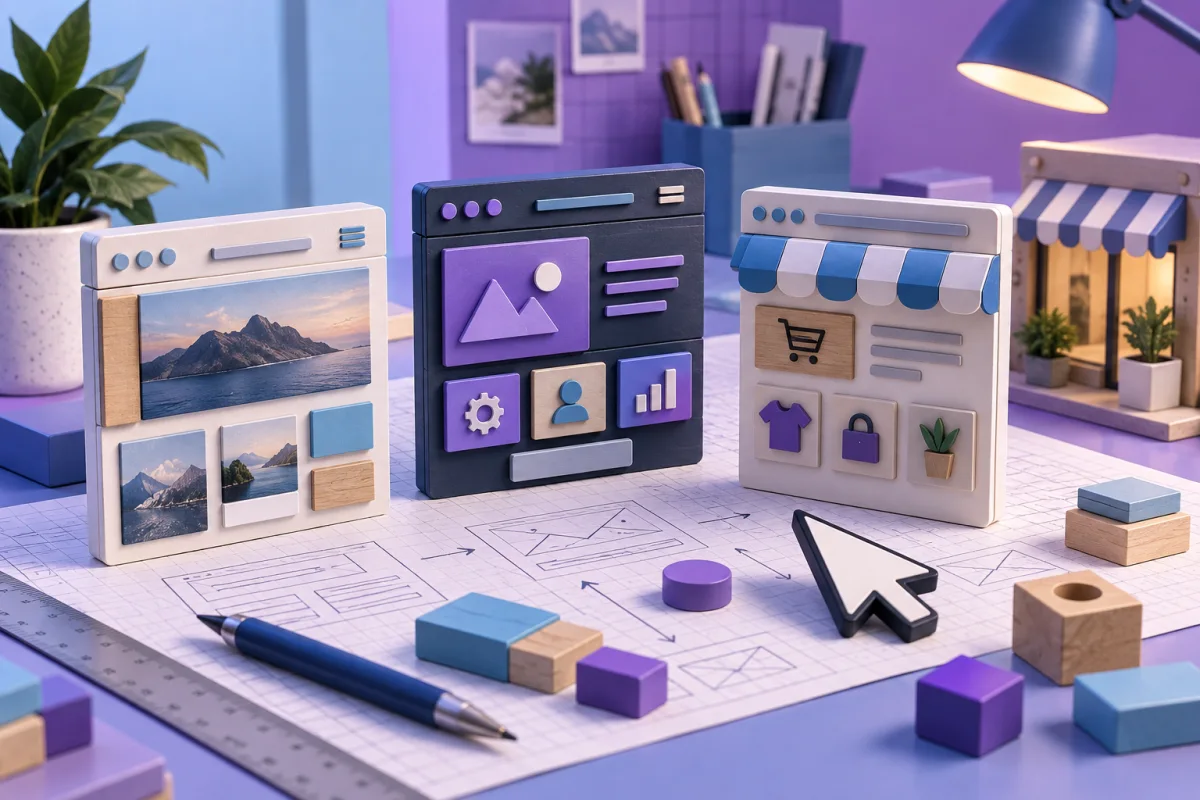
Start with Wix for flexible website creation, GoDaddy Websites + Marketing for a guided small-business site, and Shopify for a store-centered workflow. Your content, checkout, and maintenance needs should decide the shortlist.
Define what the website must do
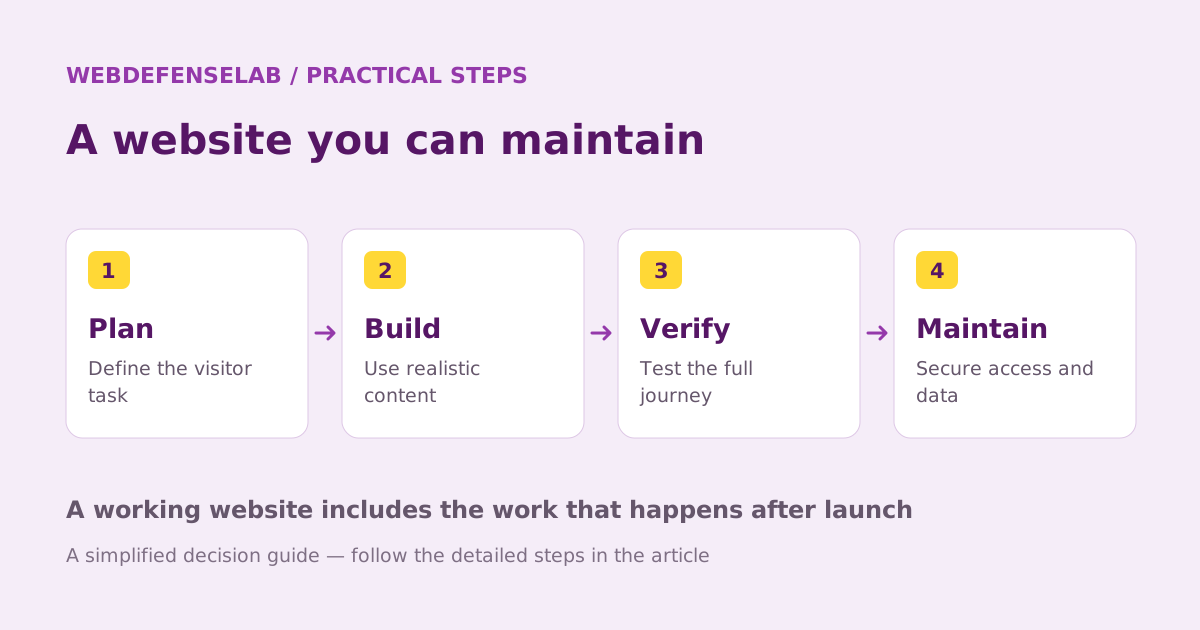
A service business, a portfolio, and an online store have different priorities. Before comparing templates, list the three actions a visitor should be able to complete. Examples include viewing work, requesting an appointment, or buying a product with the correct shipping option.
Next, identify who will update the site. A layout that looks excellent on launch day may be a poor choice if routine edits require skills the owner does not have. Test common tasks such as changing opening hours, replacing an image, and publishing a new page.
| Main job | A starting point | What to test |
|---|---|---|
| A visually flexible content or service site | Wix | Mobile editing, page structure, and required integrations |
| A guided small-business presence | GoDaddy | Appointments, forms, and the chosen plan’s limits |
| A product-led online store | Shopify | Catalog work, payments, shipping, and returns |
Price the complete working setup
Compare the full recurring cost, including the domain, email, paid apps, payment costs, and any essential premium feature. Introductory pricing is useful only when you also know the next renewal and the billing period.
A store needs a more detailed calculation than a simple brochure site. List a realistic product count, order volume, payment method, and shipping workflow. Check whether the platform charges an additional fee for the payment arrangement you intend to use.
Do not buy several apps to solve an unclear requirement. Write down the missing function first, then check whether the platform already supports it. Every integration can add billing, permissions, and another account to maintain.
Check security and ownership before design polish
Use an owner-controlled email address for the platform and domain accounts. Enable strong sign-in protection and give collaborators their own appropriate access. A designer should not need to retain the owner’s personal password after handover.
Ask what can be backed up or exported and what a restore actually covers. A saved layout, a product CSV, and a full portable website are different artifacts. For example, Wix documents that its proprietary site cannot simply be hosted elsewhere; portability needs to be considered before building around the platform.
Keep original images and important content outside the builder as well. Protect customer exports appropriately and avoid leaving files containing personal information in a public download folder.
Run a small launch rehearsal
Build one representative page and complete the most important visitor journey on a phone. Submit the contact form, check where the message arrives, and inspect the confirmation. For a store, use the platform’s supported testing process to check checkout and order handling.
Review page titles, headings, link labels, and indexability. A website builder’s SEO settings help expose the information, but they cannot supply original, useful content or guarantee search positions. Make each page answer a real visitor question.
Choose the platform that supports the recurring work with an acceptable cost and an understood exit plan. Our recommendations describe fit based on documentation; they are not measured uptime, speed, or conversion rankings. Read the individual reviews before committing to a long term.
Sources & review notes
Source review: September 25, 2026. This is a documentation-based assessment; we have not measured alert speed, product performance, or support outcomes. Product terms can change.
About the author
 Sofia LindBrowsers, ad blocking & websites
Sofia’s coverage follows browser privacy, extension permissions, content filtering, and the practical management of hosted websites. Her articles explain the difference between hiding an advertisement, blocking a request, and protecting an account.
View profile and articles