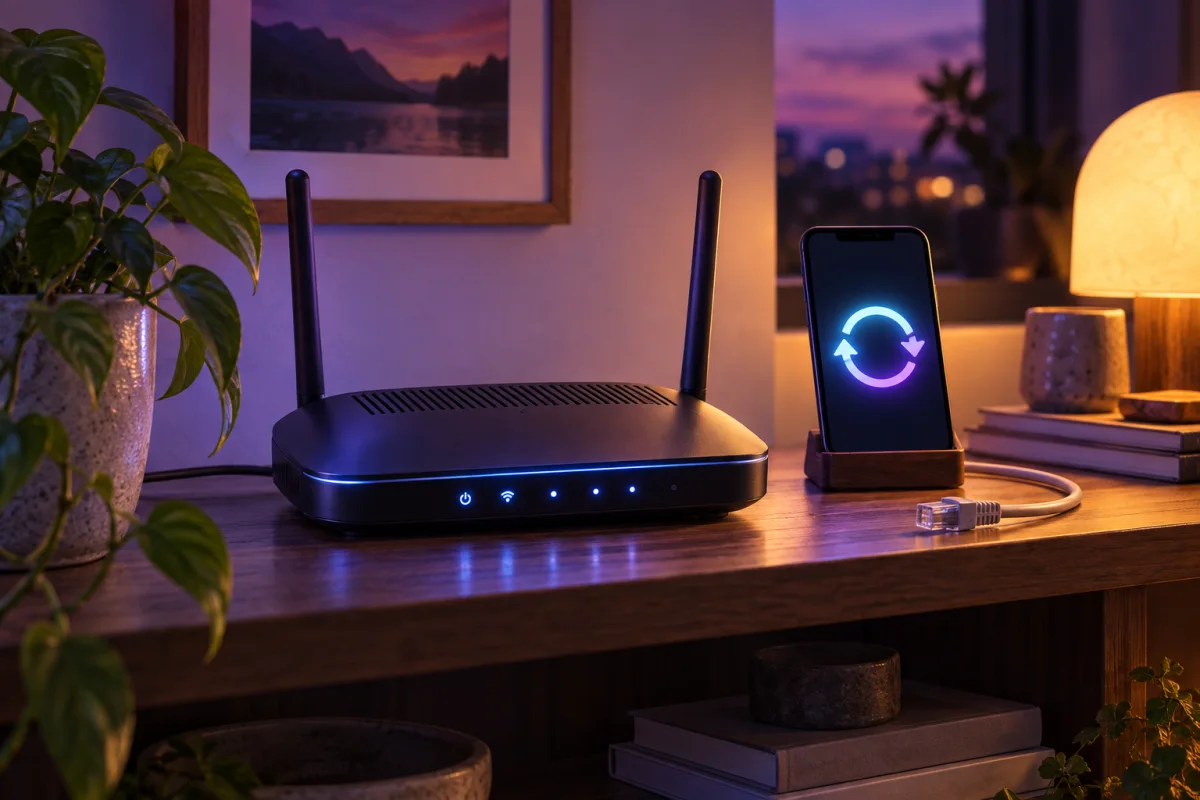
A router sits between your devices and the internet, yet it is easy to forget once the Wi-Fi works. This week’s task is to identify its model, check its supported update route, and confirm who can administer it.
Weekly practical briefing. Prepared September 25, 2026 for scheduled publication; this is evergreen guidance, not a report of a future event.
The detail worth your attention
A laptop VPN does not update the router or protect every other device on the network. An old administration password, unnecessary remote management, or a router that no longer receives updates needs its own attention. Write down the model and hardware revision before looking for instructions, because similarly named devices can use different firmware.
An everyday example
Imagine replacing your phone every few years while the same router stays in a cupboard for a decade. The visible devices feel current, but the network equipment may be outside its support period. An update check gives you a concrete answer without installing another subscription.
Your practical check this week
- Open the manufacturer’s official support page for the exact model.
- Check the firmware version and whether automatic updates are supported.
- Review the administration password and remote-management setting.
- Save a configuration backup where the manufacturer recommends it.
Check the result, not just the setting
After making a change, repeat the ordinary task it affects. Open the app, visit the page, reconnect the device, or restore the test file as appropriate. A setting saved successfully is a useful start, but the actual result tells you whether the change solved the problem.
Make one change at a time and keep a short private note of what you changed. If a login, payment flow, or important work task stops functioning, reverse the most recent change and consult the relevant provider’s official guidance. This approach makes troubleshooting easier than applying several unrelated fixes at once.
Keep the limits in view
Do not install firmware from an unofficial mirror or interrupt an update casually. If the device belongs to your internet provider, follow that provider’s process. If it is unsupported, plan a replacement rather than assuming an antivirus app can compensate.
A useful next step
Do not turn a small maintenance task into an unnecessary shopping exercise. First use the controls and information already available in the device or service. Add another tool only when you can name the gap it will fill.
Continue with do you need a vpn? for the fuller explanation and examples. Revisit this check when you replace a device, change a subscription, or notice a meaningful change in the way the service works.
Sources & further reading
Source review: September 25, 2026. Product features and subscriptions can change; confirm the exact plan before purchase.
About the author
 Luca MoreauIdentity protection & practical security
Luca’s coverage turns identity-protection and everyday security questions into manageable checklists. The weekly briefings cover accounts, networks, and safer browsing, with a practical action readers can complete in a single sitting.
View profile and articles